
- iOS
- Android
Picks
A social voting app where you ask questions and answer with a swipe


Overview
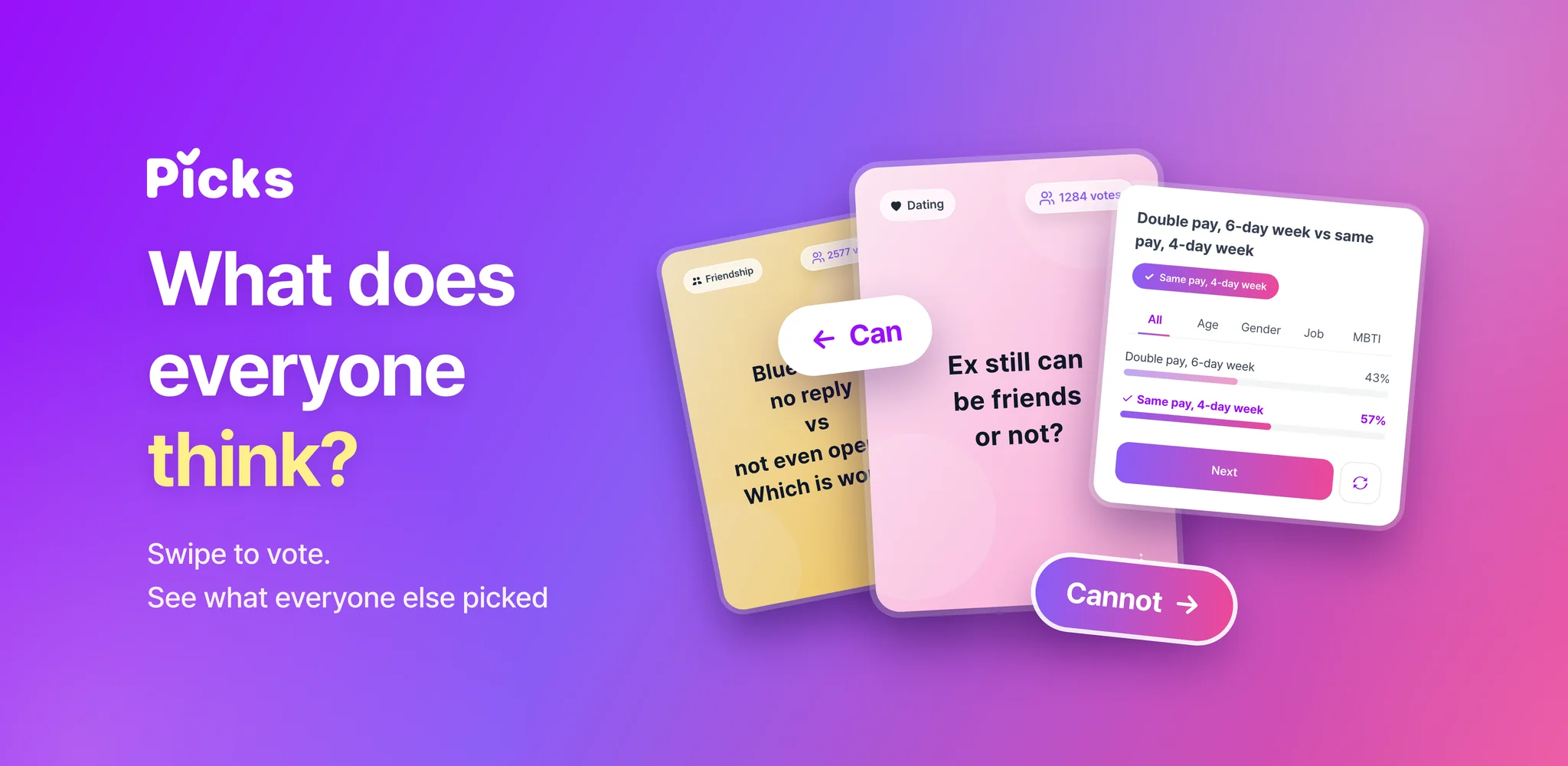
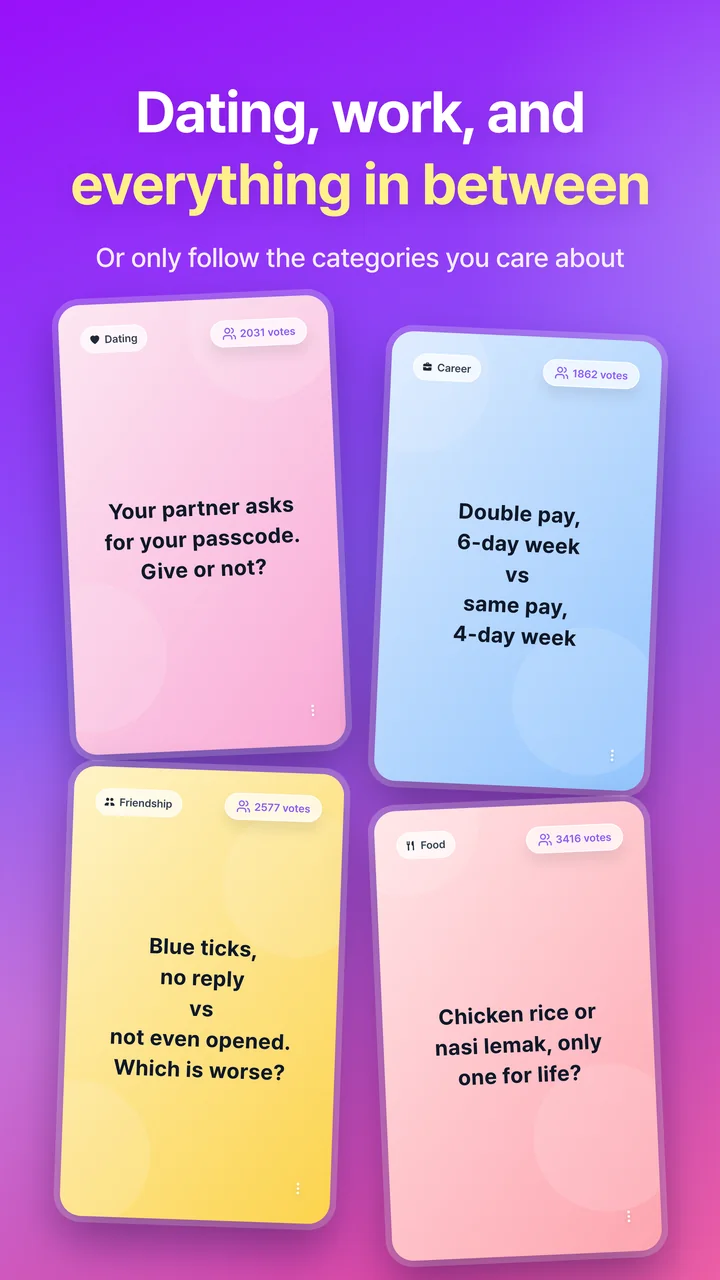
Picks is a social voting app where you post the everyday questions on your mind and answer other people's questions by swiping a card left or right. Questions range from light ones, like what to have for lunch, to topics that split opinions, such as dating, work, and values. Cards come one after another, so you can keep answering without effort.
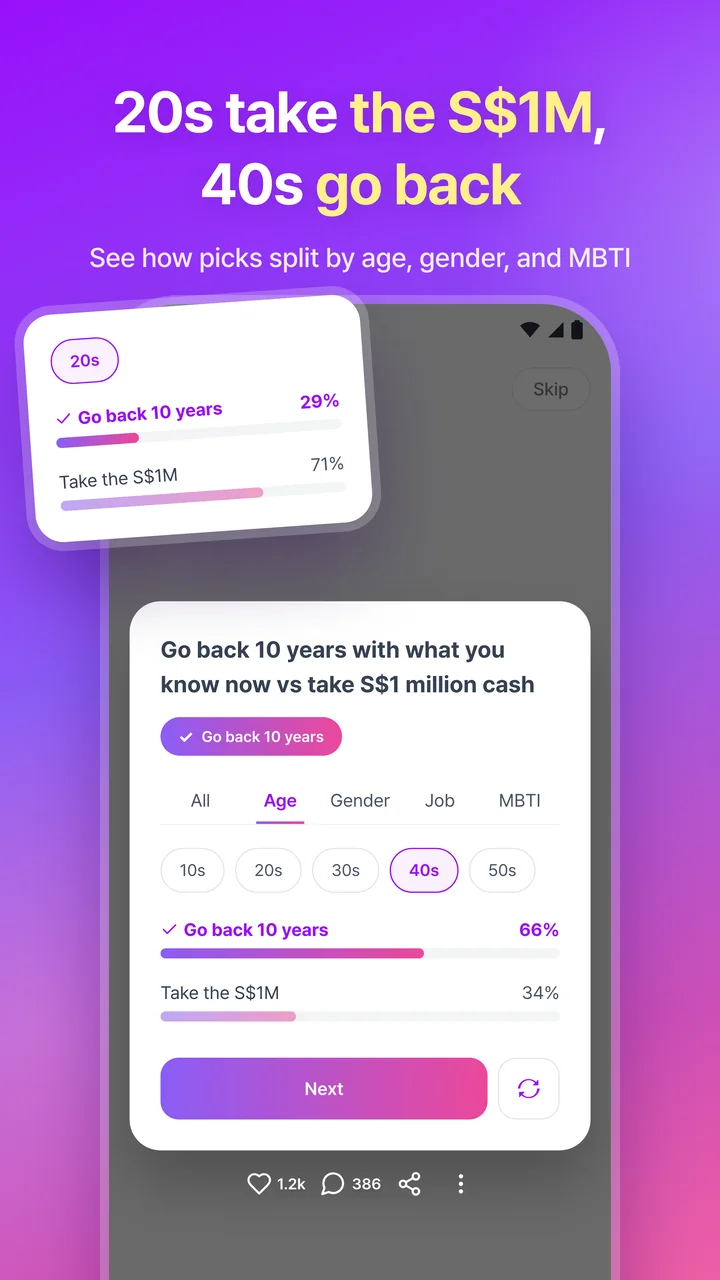
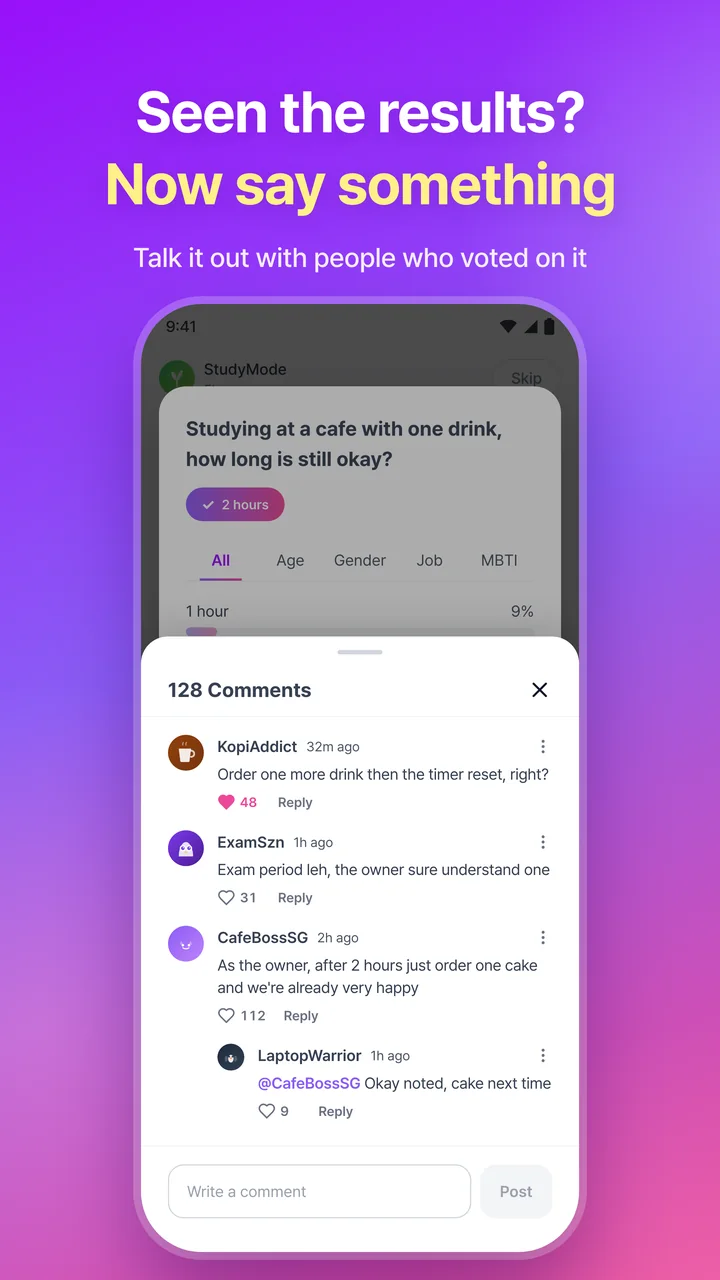
Results appear as soon as you answer. Along with the overall split, you can compare how choices differ by gender, age, MBTI, and occupation, and see where your view matches others and where it doesn't. After the results, you can talk it over in the comments with people who answered the same question.
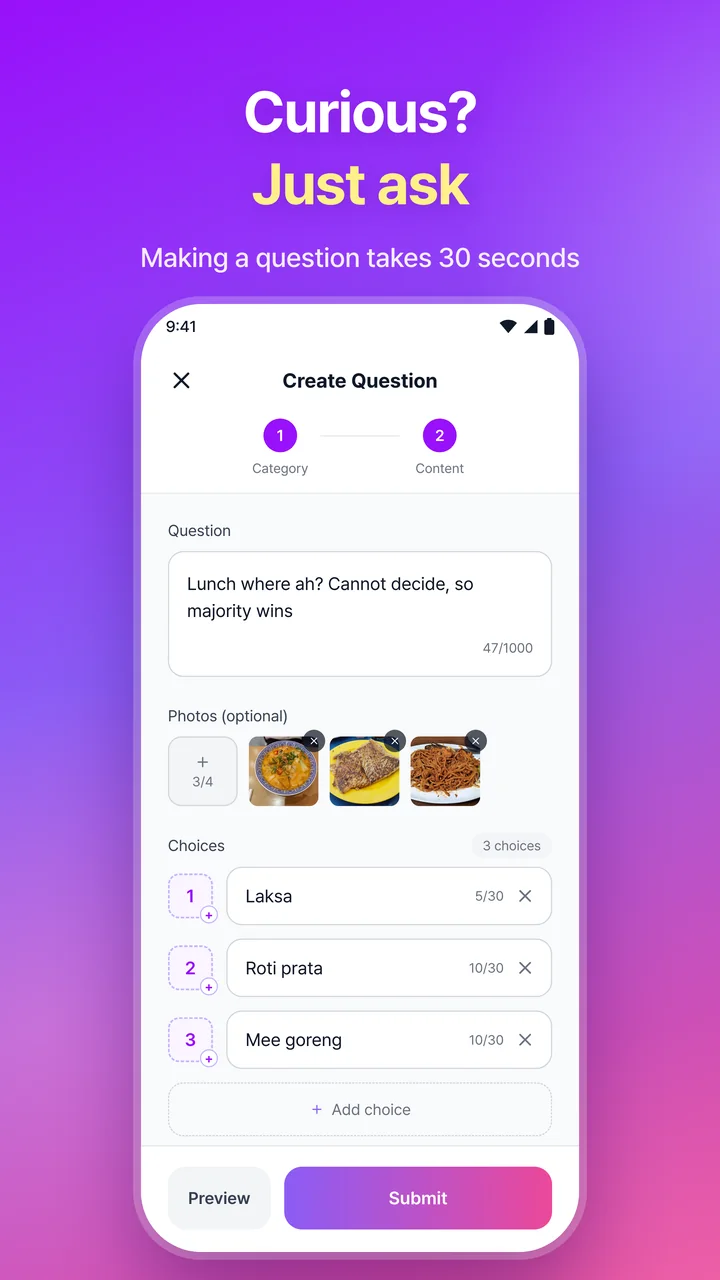
When you're curious about something, you can ask it yourself. Add photos, set the choices, and post. Your question then appears in feeds organized by region and category, where other users answer it.
Screenshots
Key Features
Ask a Question
Turn what you're curious about into a question, set the choices, and post it. You can attach photos and set backgrounds for the choices.
Swipe to Answer
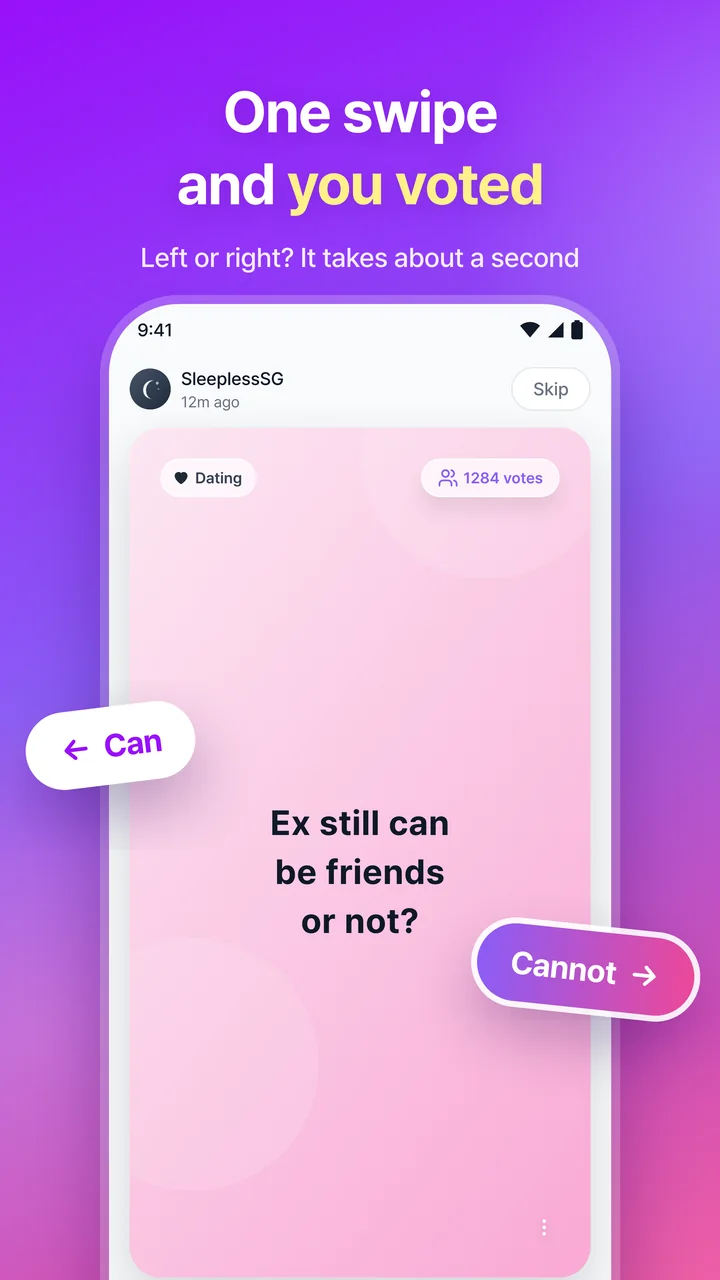
Answer other users' questions with a swipe gesture.
Shorts-Style Continuous Feed
Questions appear one per screen in a continuous shorts-style flow, so you can answer one after another.
Group Results Right After You Answer
Right after you answer, see the share of each choice by group, including gender, age, MBTI, and occupation.
Comment Community
Share opinions with other users through comments and replies on questions.
Category and Region Feeds
Browse question feeds tailored to categories and regions.
Supported Languages
Supported Platforms
FAQ
Is Picks free?
Yes. Picks is free to download and use. The app may show ads.
How do I sign up?
There's no separate password. You sign up with a social account such as Google or Apple. Available sign-in options vary by region.
How do I create a question?
Tap the write button at the bottom of the app, then enter your question and choices. You can also attach photos and set backgrounds for the choices.
How can I break down the results?
Right after you answer, you can see the overall results and how the choices split by gender, age (teens to 60s and up), occupation, and MBTI.
How do I contact support?
Use Support in the app's Settings tab, or email support.picks@momick.com.