- macOS
- Windows
Nolleo
A desktop pet that goes to play on your friends' computers
Overview
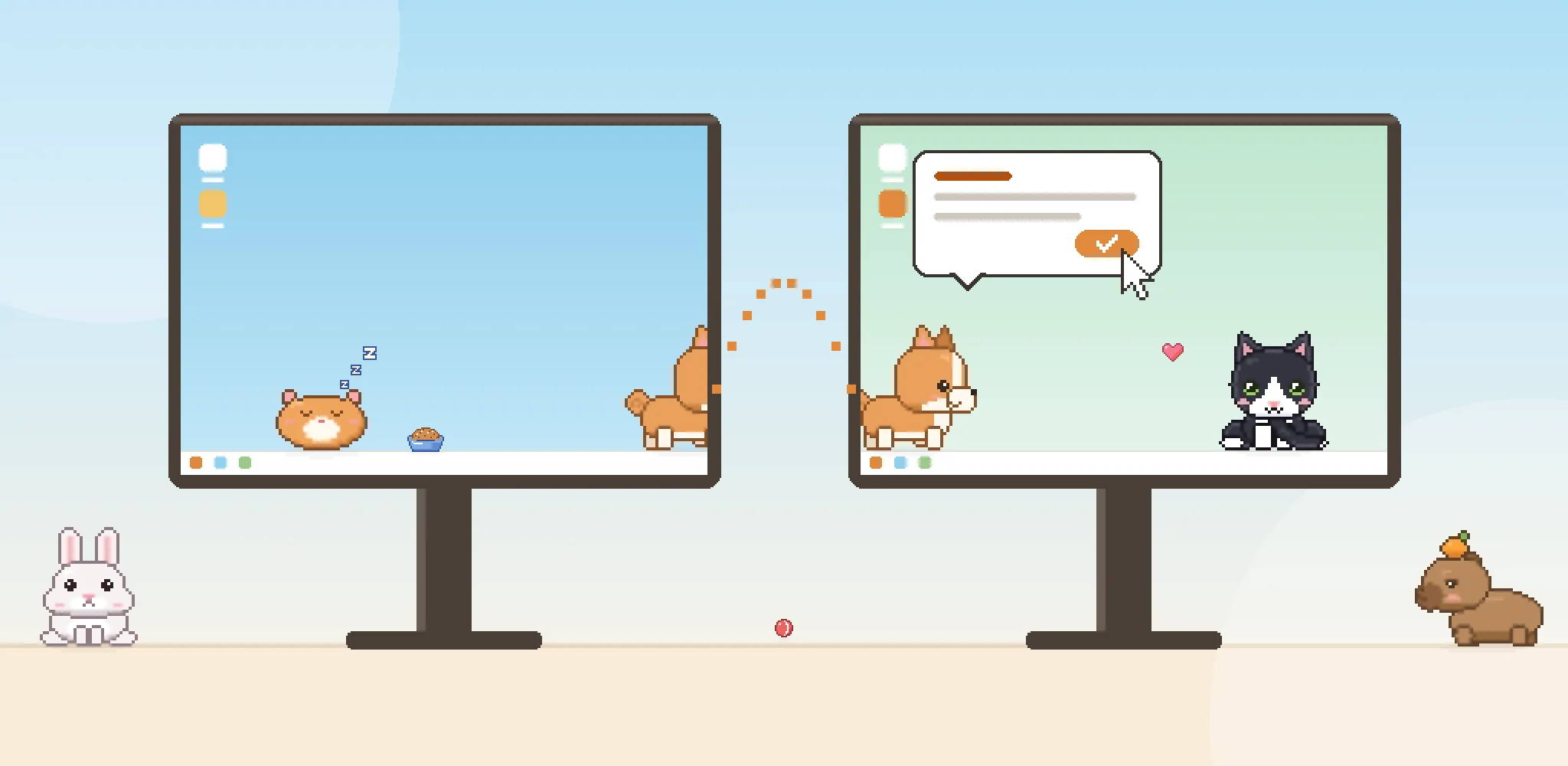
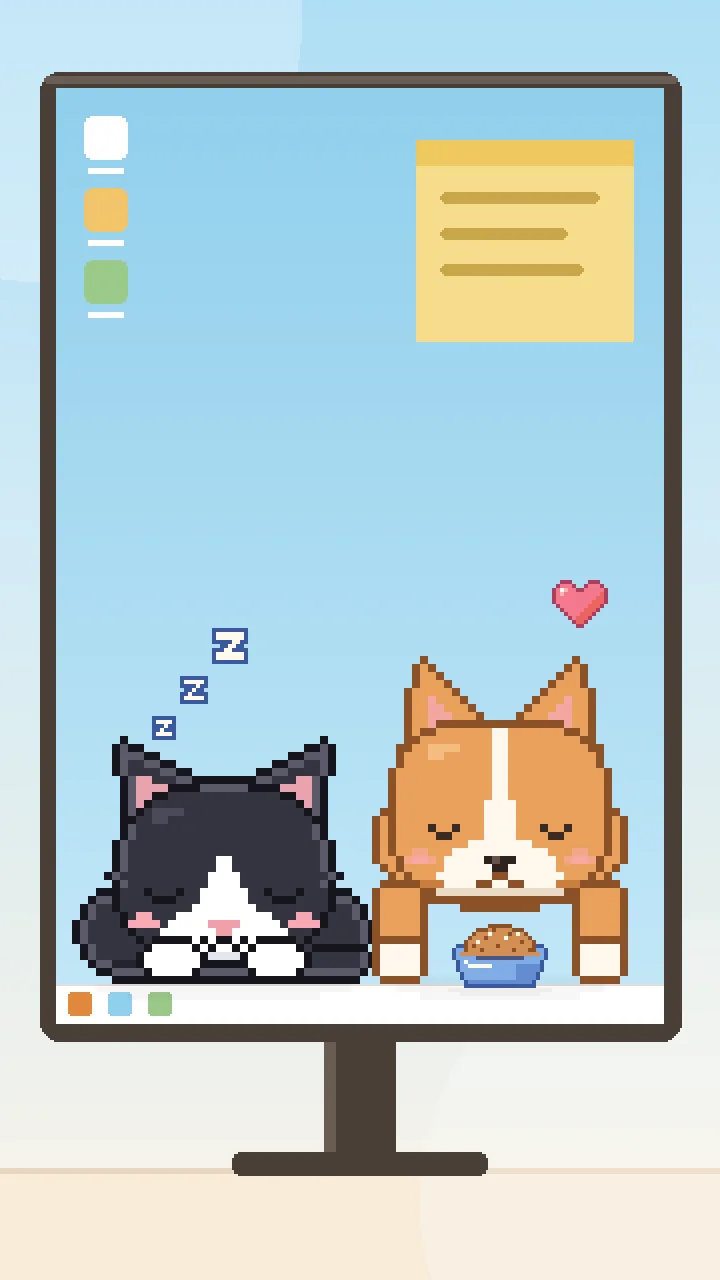
Nolleo is a pixel pet app for your desktop. Bring home up to three pets from nine species, feed them, and throw a ball for them. If nobody plays with them for a while, they drift off to sleep.
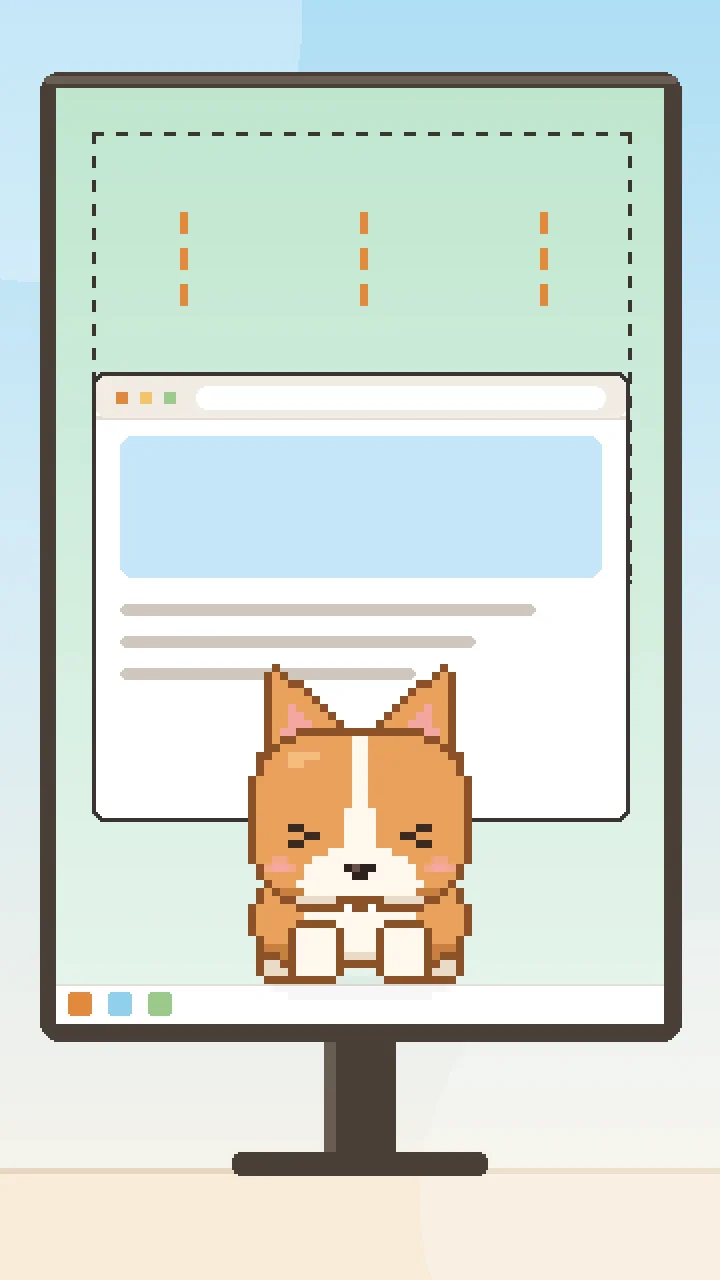
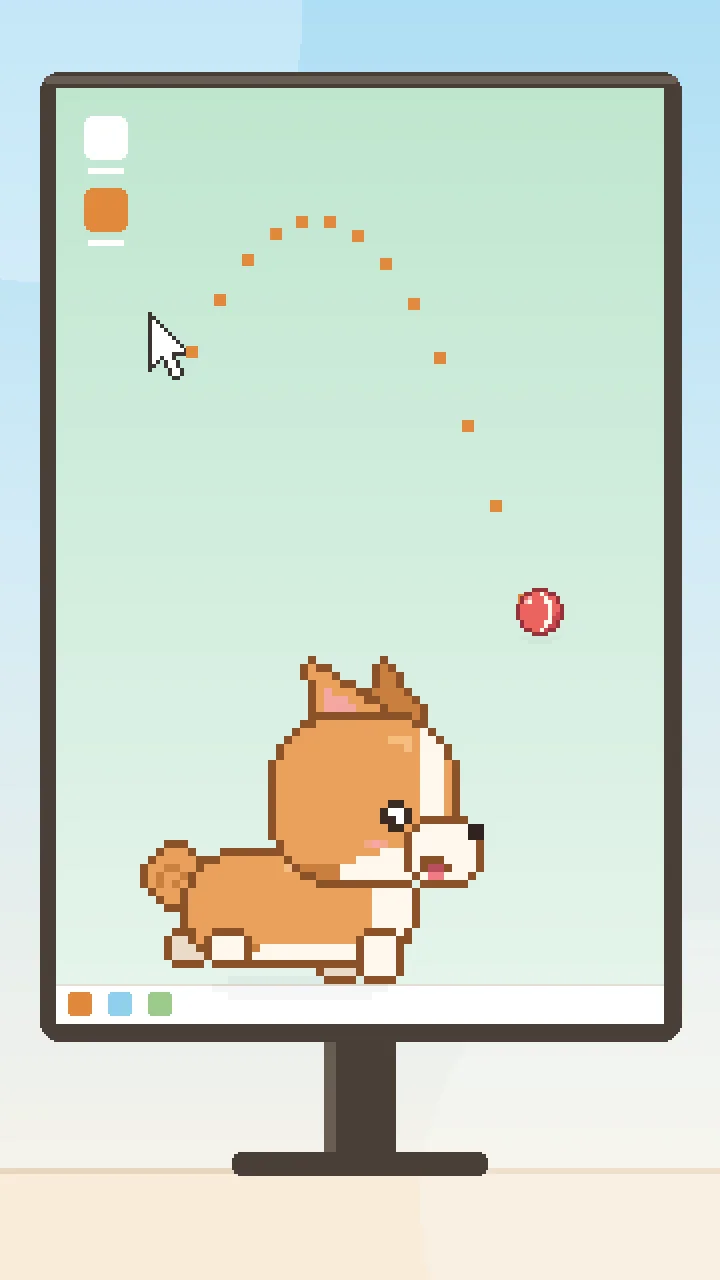
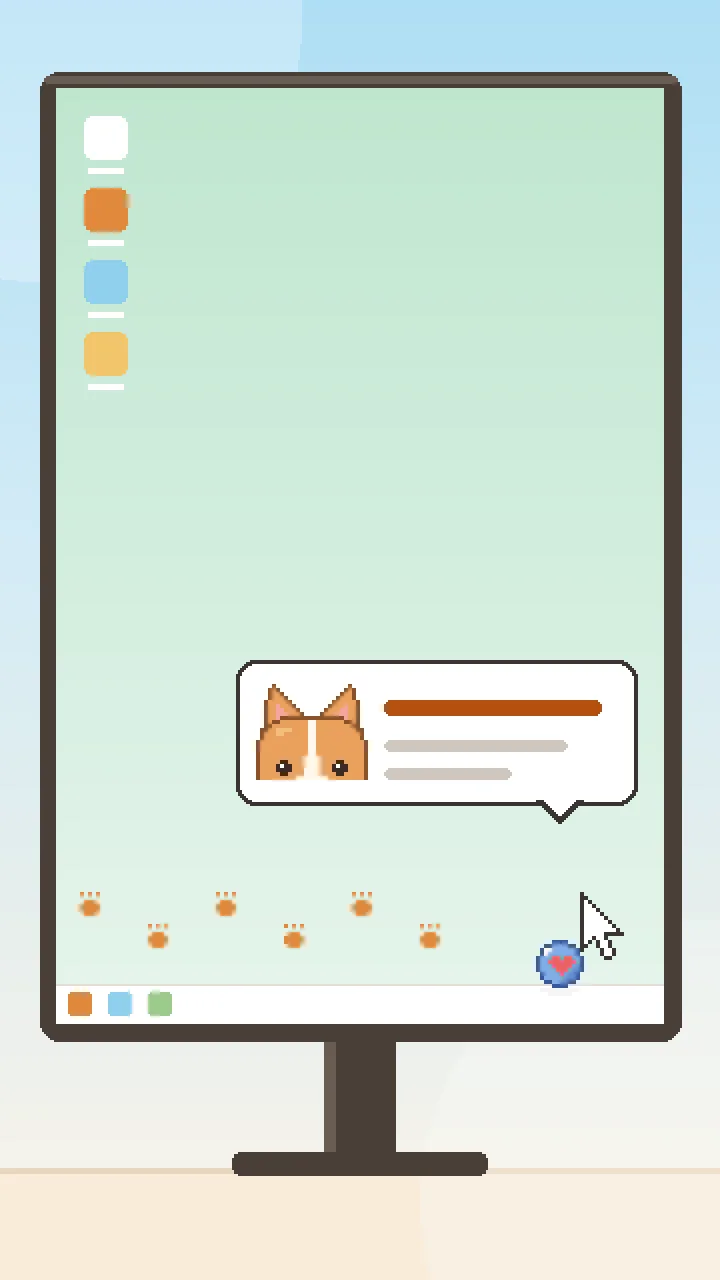
Add friends, and you can send your pet to play on their computers. It walks off the edge of your screen and in from the edge of theirs. Give it a message, and a speech bubble appears on your friend's screen. Once they click OK, you're told they read it. Ask for ball play, and your pet drops a ball and begs to have it thrown. Send it to prank, and it might pull down a browser window, drag the cursor for a moment, or drop a note.
The receiving side decides what's allowed. Play mode accepts everything, Normal mode accepts visits only, and Work mode accepts no visits. Pranks are limited to the kinds your friend has turned on and can be undone right away, and a visiting pet can't open files or programs. Nolleo is free, with no ads or analytics, and you only need to sign in for friends features.
Screenshots
Key Features
Send to Play
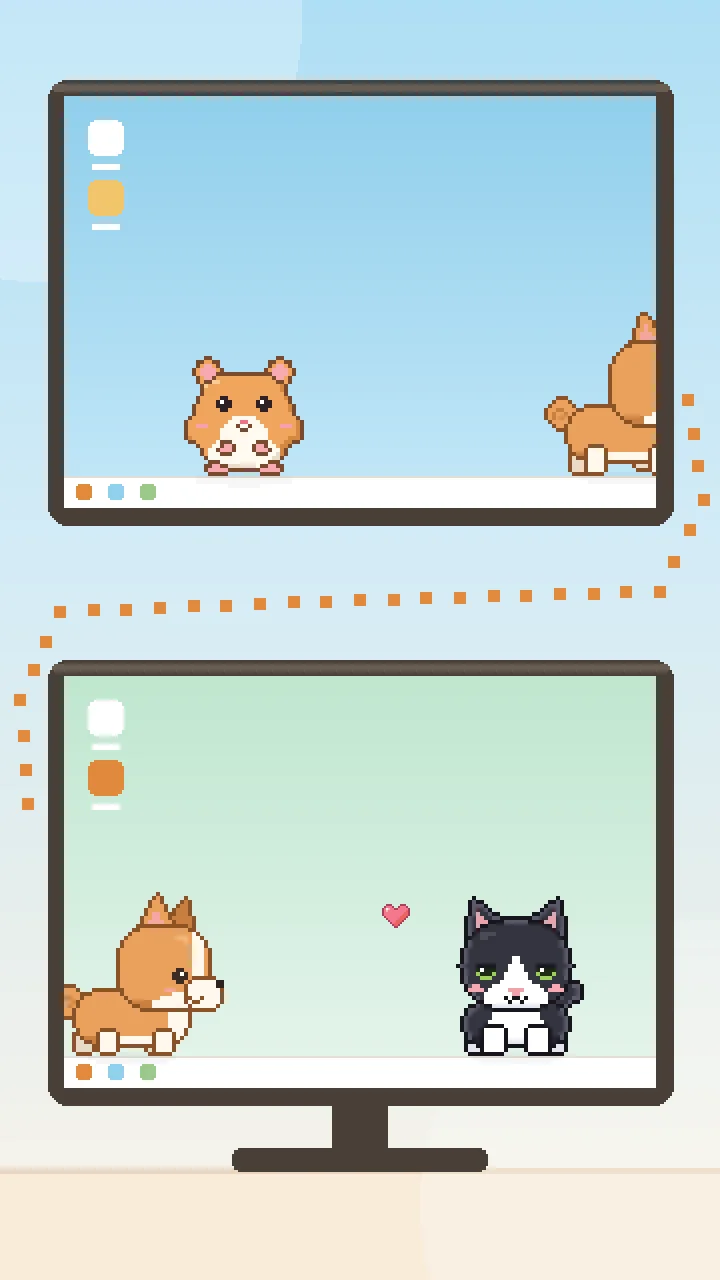
Your pet walks off the edge of your screen and into your friend's. A visit lasts up to 30 minutes, and either of you can end it at any time.
Deliver a Message
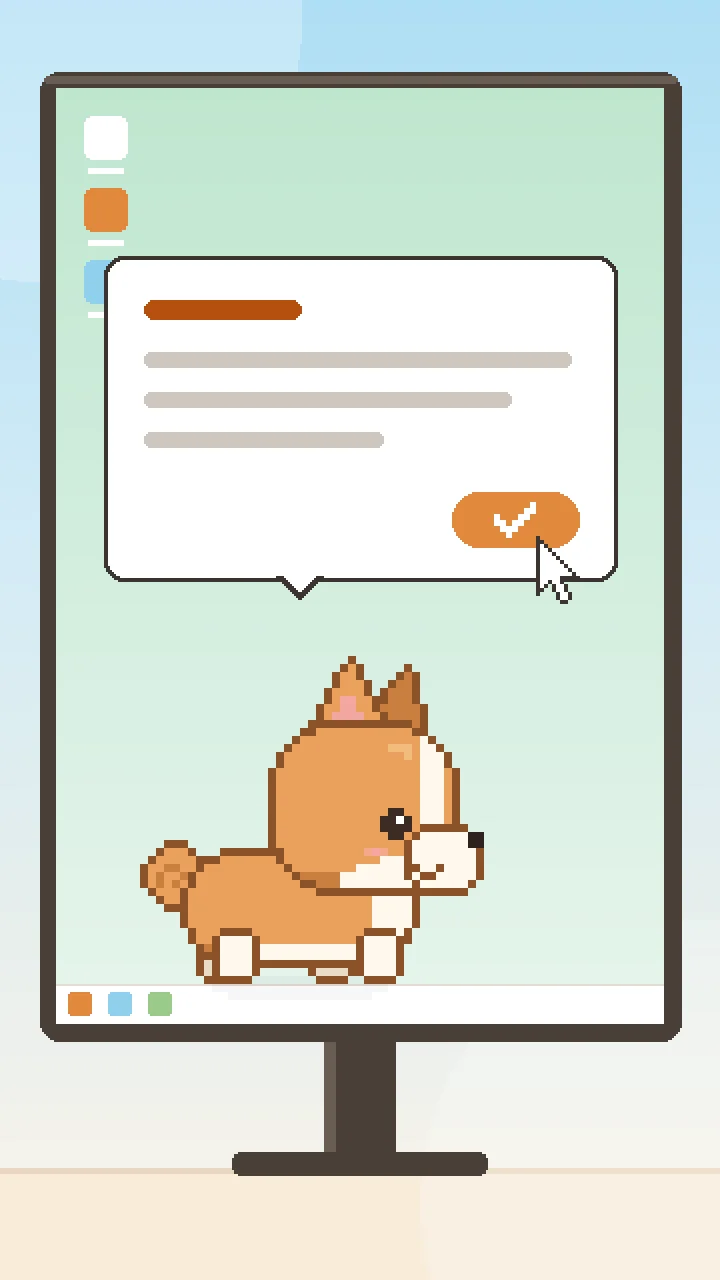
Give your visiting pet a message of up to 80 characters. A speech bubble appears on your friend's screen, and you're notified once they click OK.
Send to Prank
Your pet picks one of the pranks your friend has turned on, like pulling down a browser window, dragging the cursor for a moment, or dropping a note. Your friend can undo it right away.
Ask for Ball Play
Your visiting pet drops a ball on your friend's screen and begs them to throw it. When play ends, you find out how many times they threw it.
Visit Traces
After a visit, a toy ball stays in a corner of your friend's screen. Hovering over it shows whose pet came by and when. Traces last for 7 days.
Visits on Your Terms
Play mode accepts everything, Normal mode accepts visits only, and Work mode accepts no visits. You can also block all visits, and a visiting pet can't open files or programs.
A Pet on Your Desktop
Bring home up to three pets from nine species, then feed them and throw them a ball. Keep them on the desktop layer or always on top. They hide on their own when you go full screen.
Supported Languages
Supported Platforms
FAQ
Is Nolleo free?
Yes. Nolleo is free and has no ads.
Do I need an account?
No. Everything you do with your pets works without an account. You only sign in with Google or Apple to use friends features, and we don't store your email address or name.
How do I add friends?
Search for your friend by entering their exact username. You can have up to 100 friends.
How do I stop a prank on my computer?
A click or a hotkey stops it right away, and you can undo the prank from the tray menu. You only get pranks in Play mode, and only the kinds you've turned on. A visiting pet can't open files, programs, or web addresses.
Does Nolleo read my screen or what I type?
No. Nolleo doesn't read window titles, screen content, or keystrokes, and it has no analytics or tracking. Messages aren't stored on our servers, and if you don't sign in, it only checks for updates.
How do I contact support?
Email us at support.picks@momick.com.